
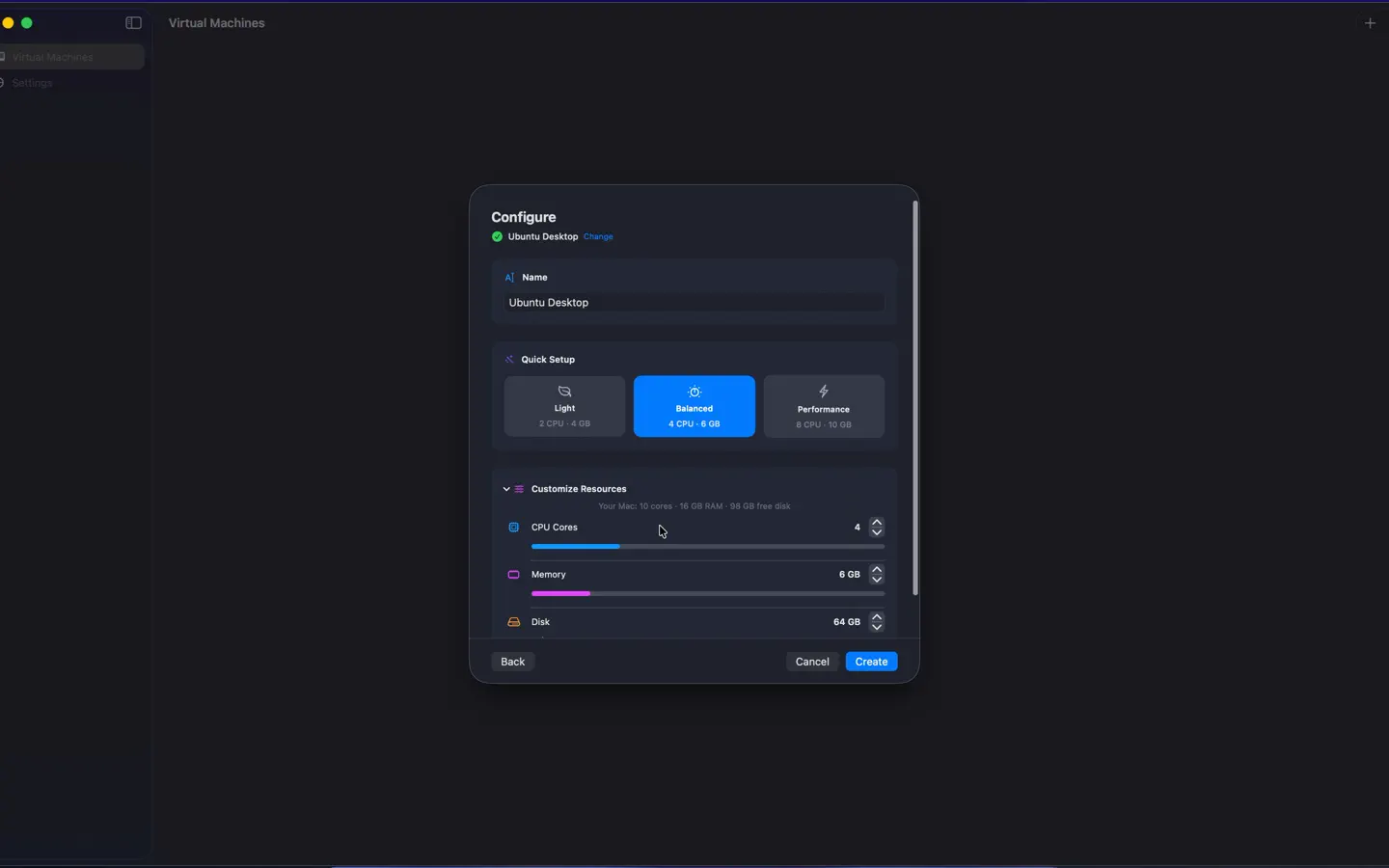
Configure 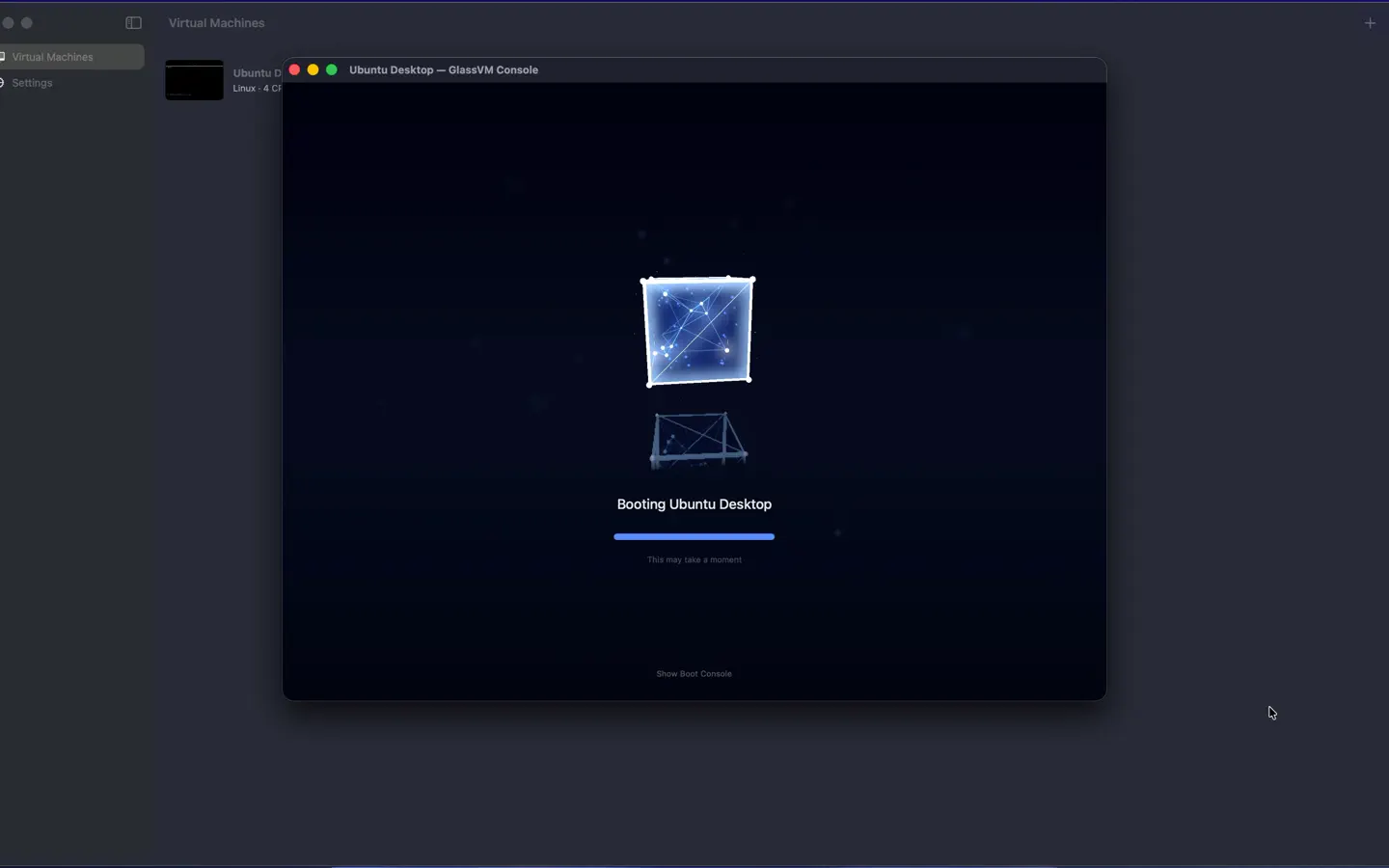
Boot 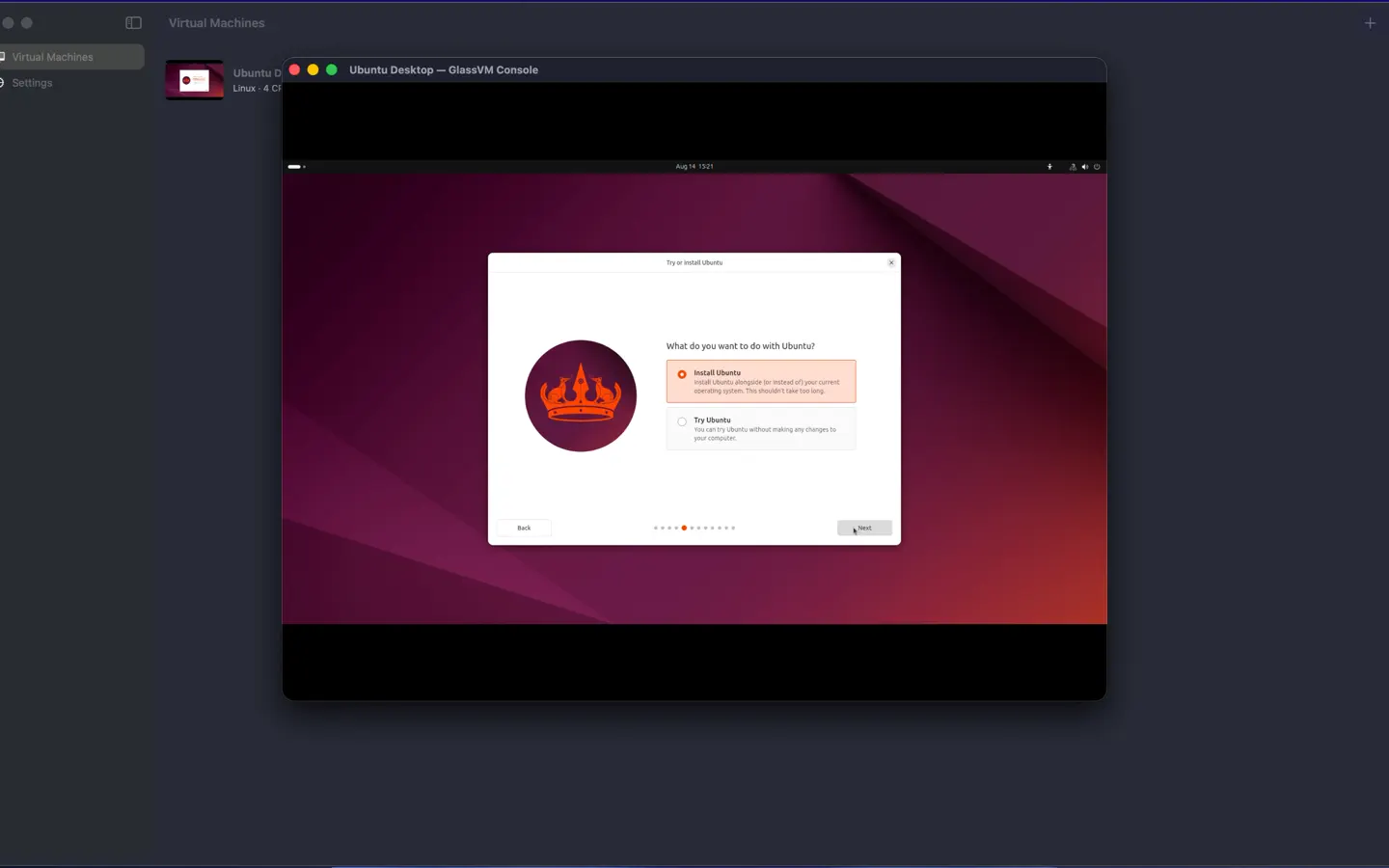
Install 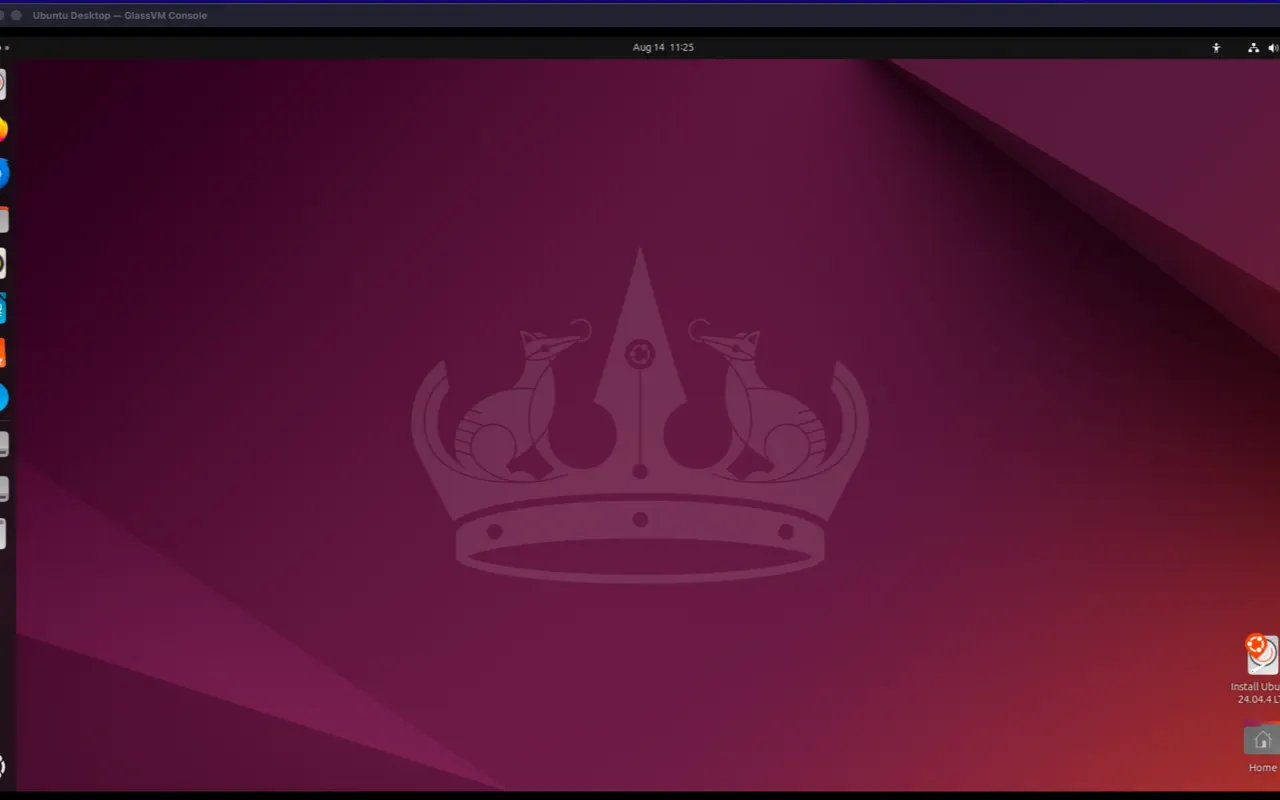
Run
Overview
GlassVM is a native Mac app for creating and running compatible ARM64 virtual machines locally. It keeps virtualization focused: create a machine, install an operating system, and monitor it from one interface.
Machines run on your Mac with a native graphical display. No GlassVM account or cloud service is required.
- Create virtual machines with host-aware CPU and memory recommendations.
- Download supported guest installer images or import a compatible ARM64 image.
- See CPU, memory, and storage usage from one focused interface.
- Runs locally, with no account or cloud dependency.